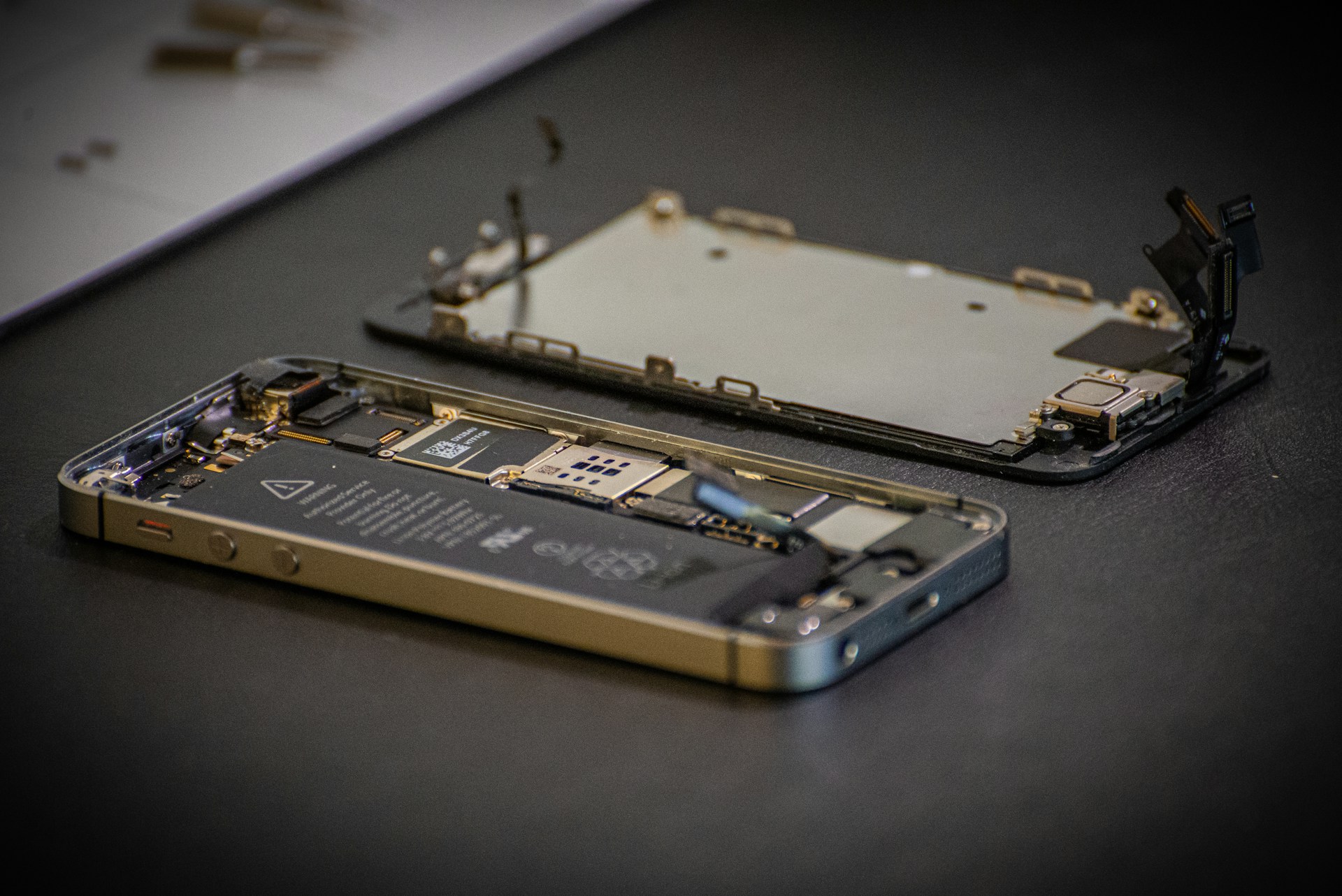
Learning the Repair Shift
Legislation and industry policies around device repair have evolved rapidly in 2024, impacting who can fix your gadgets. For instance, recent laws in the U.S. mandate manufacturers to share repair manuals and supply parts to consumers or independent shops. This means your smartphone or laptop repair options have expanded beyond brand-authorized centers. Apple, known for tightly controlling parts until recently, started selling parts to users in early 2023, marking a clear break from past restrictions.
These changes affect millions: a 2023 survey found that over 60% of tech users have delayed repairs due to high costs or lack of official support. Now, the right to repair could shift this trend. Still, these rules vary by region, so user experience differs significantly across the globe.
Common Challenges
Consumers often mistake manufacturer denial for a choice. Many assume that official warranty demands using authorized services only. Yet this limits options, sometimes voiding warranty if you seek cheaper alternatives. This misunderstanding leads to high repair costs or throwing away devices prematurely.
Many devices hold software locks preventing third-party diagnostics—this is a pain point. For example, Samsung’s Galaxy S23 has a security feature that disables certain sensors after unverified repairs, causing false diagnostics or restricted functions. Real-world impact? Users pay double or replace phones that a single screen swap could have fixed.
The consequences include electronic waste accumulation and inflated repair bills. For families managing budgets, a $300 screen replacement might be replaced by a $900 device upgrade simply because of rules or vendor policies. This drains resources and increases landfill contributions.
Strategies for Success
Research device-specific repair rights
Start by checking if your country passed recent right-to-repair laws. Some states, like Massachusetts, require automakers and electronics firms to share parts and info. Use websites like iFixit’s repair guides linked to legal frameworks to verify your rights. Knowing legislation specifics cuts down frustration and wasted efforts.
Locate trusted parts suppliers
Access to original or high-quality parts ensures functional repairs. For example, buying OEM parts directly from brand stores or reputable dealers like SquareTrade or iFixit parts store guarantees compatibility. Parts bought from generic marketplaces may look identical but often fail faster or degrade performance.
Use professional repair tools
Quality tools protect device internals. A precision screwdriver set with pentalobe bits, a suction cup, and an anti-static wrist strap can save a cracked glass phone or a loose battery. My go-to kit for Apple product repairs runs about $40 on Amazon—the difference from a cheap kit is obvious after five replacements.
Document repairs meticulously
Keep notes and photos of each step during your repair. This helps if you seek troubleshooting advice on forums like Reddit’s r/techrepair or need warranty proof. Also, some warranty clauses accept self-repair when documented well, including before/after verification photos.
Use diagnostic software
Free tools like Samsung’s Smart Switch or Apple’s iOS diagnostics app help identify component failures before disassembly. Running these tools reduces guesswork. For example, checking battery health via CoconutBattery (version 3.9.3) gave me a clear replacement timeline, which saved replacing the wrong part.
Join repair communities
Engage on platforms like iFixit forums or repair-specific Discord groups. These communities offer real-time advice, personalized troubleshooting, and up-to-date info about repairability ranking of devices. They tend to know quirks that manuals hide or never clarify, like heat dissipation issues or hidden clips inside chassis.
Consider professional independent shops
Authorized centers aren’t the only competent fixers anymore. Many independent services buy parts legally and specialize in brand repairs unnoticed by mainstream channels. These shops typically cut prices by 30-50% compared to brand centers. One local shop I trust replaced my iPhone 12 battery in 15 minutes for $70 versus $100 official price.
Prepare for firmware restrictions
Some devices impose software locks after unauthorized access, as with certain Pixel models limiting camera performance on refurbished parts. In these cases, check manufacturer forums or repair tool companies like JTAG services for ways to reset or flash firmware. Be aware: this might void warranty but restore full device use.
Track warranty and legal timelines
Knowing the exact duration and conditions of your warranty is key. In some cases, a repair attempt by a third party voids warranty; in others, it only applies to certain components. Be sure to check product-specific terms from official websites or user agreements carefully before proceeding.
RezPro Electronics
RezPro Electronics had a niche selling refurbished laptops to students but struggled because many devices arrived broken with screens cracked. The owner began advocating right-to-repair after legal updates in 2023 forced brands to sell parts. RezPro started sourcing OEM displays from official suppliers directly.
The results were measurable: device turnaround time dropped 40%, and退款s due to defective parts decreased by 60% in six months. Increased customer trust led to 25% revenue growth, proving repair access matters on the business side, too.
StormTech Repairs
StormTech Repairs, a small phone repair startup, faced challenges in 2022 fixing the Samsung Galaxy S22’s bootloop issues due to locked software chips. With new right-to-repair policies, the firm acquired authorized diagnostic tools and secured software patches through an independent licensing process.
This allowed StormTech to fix over 1,000 units monthly, up from their previous 400. The average repair time shrank from two days to under 12 hours, and customer ratings rose consistently past 4.8 stars on Yelp.
Self-Repair Comparison
| Aspect | Authorized Repair | Independent Repair | Self-Repair |
|---|---|---|---|
| Cost | High ($100-$300) | Medium ($50-$150) | Low (parts + tools) |
| Warranty Risk | None | Possible | Depends on terms |
| Parts Quality | Certified OEM | OEM/High-grade | Varied quality |
| Repair Time | 1-3 days | Hours to 2 days | Varies widely |
| Skill Level | Low | Medium | High |
Mistakes to Avoid
Jumping into repairs without exact part numbers leads to mismatched fixes. I once ordered a battery labeled for iPhone 11 but it was incompatible with the 11 Pro; wasted $30. Confirm model variants precisely.
Another pitfall is ignoring electrostatic discharge (ESD) precautions. A fingertip zap can fry delicate logic boards. Never skip anti-static mats or wrist straps when handling motherboard components.
Reassembly error is common. Over-tightening screws can crack plastic chassis. Leave a slight wiggle in panel clips before final snap. Also, skipping adhesive reapplication for water-resistance is a blind spot most users ignore, voiding protection.
Avoid relying solely on YouTube tutorials without cross-ref in repair forums. Some videos omit critical steps or details, like hidden screws; this is frustrating when you’re halfway disassembling a device.
FAQ
What is the right to repair?
An emerging set of laws and policies that require manufacturers to provide repair information, tools, and parts to consumers and third-party service providers.
Can repairing my device myself void warranty?
It depends on brand policies and whether repairs damage device components. Documenting repairs often helps maintain warranty coverage in many jurisdictions.
Where can I find genuine parts?
Official brand stores, verified OEM part suppliers like iFixit, or authorized distributors offer the highest reliability.
Are right-to-repair laws global?
No, these laws vary widely, with some regions like the EU and certain U.S. states leading efforts, while others lag behind.
How to identify a good repair guide?
Look for detailed step photos, tool lists, and verified user feedback on sites like iFixit or manufacturer support pages.
Author's Insight
After years of fixing phones and laptops, I grew tired of repair restrictions. Seeing official parts become available in 2023 felt like a step toward reclaiming device ownership. My advice: get familiar with your device model’s quirks and build a toolkit over time. Software diagnostic tools have reduced wasted efforts, but don’t underestimate physical skill. Some repairs took me several tries, but the cost savings exceeded frustration.
Summary
Recent repair rights changes open new avenues to fix devices affordably. Stay informed about your specific legal context and sources for genuine parts. Prepare properly with accurate guides and tools; the effort delivers savings and sustainability benefits. When stuck, online communities and independent shops bridge the gap between DIY and authorized repair services. Your devices, your call.