The New Scam Playbook
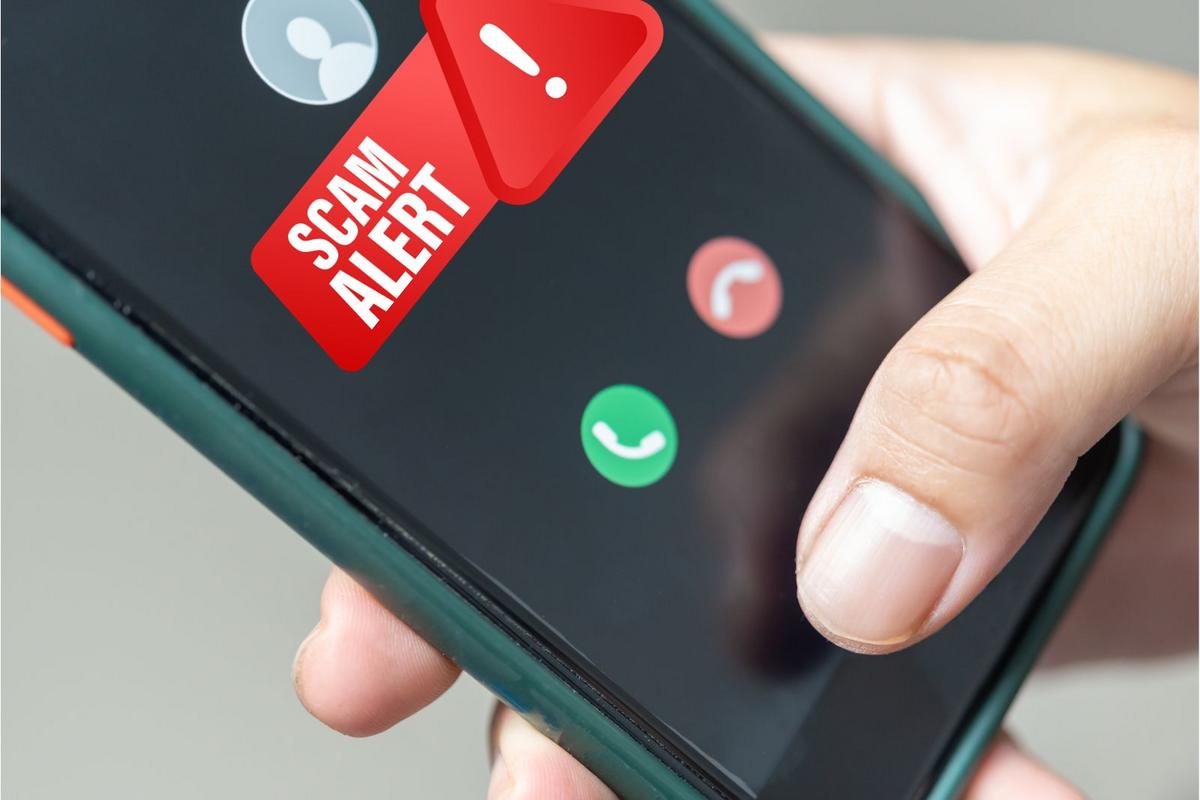
A few years ago, scam calls were easier to spot. The grammar looked strange, the timing felt off, and the caller usually pushed too hard too fast. Now the scripts sound natural enough to pass a quick gut check.
Americans lost more than $25 billion to phone scams, text fraud, and online deception in 2024 according to Federal Trade Commission estimates. Text-message scams alone surged because delivery alerts and account warnings blend into daily phone noise. Most people receive dozens of legitimate notifications every week. Scammers learned to hide inside that traffic.
The messages often arrive at exactly the right moment. You are waiting for a package. A text appears claiming FedEx needs address confirmation. You recently logged into your bank. A caller says there was suspicious activity on your debit card 14 minutes ago.
That timing changes everything.
Artificial intelligence made the problem worse. Fraud rings now clone voices from short audio clips pulled off TikTok, Instagram, YouTube, and voicemail greetings. In some cases, scammers only need 20 seconds of audio to imitate someone closely enough to fool relatives during stressful calls.
Why Smart People Fall
People still imagine scam victims as careless or elderly. Reality looks different. Fraud works because it interrupts normal thinking patterns.
A convincing scam creates urgency first. Your bank account was locked. Your package cannot be delivered. Someone opened a credit line in another state. The brain stops analyzing details and starts trying to fix the problem.
Fear narrows attention fast.
Scammers also exploit trust in familiar systems. A fake Chase text uses the same blue colors and wording customers see inside legitimate alerts. Caller ID spoofing lets criminals appear under real company names. Some even mimic hold music from banks or airlines.
The newer attacks feel conversational. A fake support agent might tell you not to share passwords because “real employees would never ask for them.” Then, 4 minutes later, they ask you to read back a security code supposedly sent for identity verification. The victim relaxes because the scammer sounded cautious earlier.
That part is deliberate.
Then there is exhaustion. People answer work emails at midnight, approve app notifications half-awake, and skim text messages while walking through grocery stores. Fraud succeeds in distracted moments more than dramatic ones.
How To Protect Yourself
Pause before reacting
The safest move often feels unnatural. Stop responding for 60 seconds.
Scammers depend on speed because urgency blocks skepticism. A text claiming your bank account was frozen sounds terrifying until you notice the link routes through a strange domain name or the sender address contains random numbers.
Skip instant responses. Open your banking app directly or call the number printed on the back of your card instead of using links or incoming calls.
Create a family code word
Voice cloning scams target panic. Someone pretending to be your child says they were arrested or injured and need money immediately.
Families can cut through that trick with one shared verification phrase. It does not need to sound sophisticated. A random phrase like “purple baseball” works better than birthdays or pet names because scammers cannot guess it easily.
Simple beats clever here.
Stop answering unknown calls
Many people still pick up because they fear missing a doctor, school, or employer call. Fair concern. But modern smartphones already filter many legitimate callers into voicemail systems.
Apple, Google, and Samsung devices all support spam screening features now. Verizon Call Filter, AT&T ActiveArmor, and T-Mobile Scam Shield add another layer. None catch everything, though they reduce the volume dramatically.
Real businesses leave messages.
Lock down financial accounts
Two-factor authentication blocks a surprising amount of fraud when configured correctly. Use authentication apps when possible instead of SMS codes because text messages remain vulnerable to SIM-swap attacks.
Password managers help too. Bitwarden, 1Password, and Proton Pass create separate credentials for every account, which limits damage after data breaches.
People delay this setup for months. Then one reused password leaks from an old shopping site and suddenly their PayPal account gets drained at 2 a.m...
Watch for payment pressure
Gift cards remain one of the clearest scam signals in existence. Government agencies do not demand Target gift cards. Banks do not request Bitcoin transfers for “verification.” Tech support agents do not need Apple gift card photos.
Yet criminals still pulled billions through gift-card fraud because panic overrides logic. Once victims send codes or crypto transfers, the money disappears almost instantly.
The recovery odds are ugly.
Check data broker sites
Scammers build credibility using personal information gathered online. They know old addresses, relatives, age ranges, and previous employers because data broker websites sell that material cheaply.
Removing your details from sites like Whitepages, Spokeo, and BeenVerified reduces some exposure. Services like DeleteMe and Incogni automate portions of the process, though no system wipes everything permanently.
Less public data helps.
Use separate contact channels
A real bank fraud department will not object if you hang up and call back through official channels. Do that every time.
The same rule applies to delivery alerts, tax notices, utility warnings, and airline messages. Open the official app yourself. Type the website manually. Friction protects people here. Convenience often does the opposite.
How The Scams Evolved
One major shift happened during the pandemic years. Consumers became accustomed to constant delivery texts, digital verification codes, remote customer service, and mobile banking alerts. Fraud rings adapted quickly.
The FBI later warned about “smishing” attacks — SMS phishing campaigns disguised as toll notices, shipping updates, and bank fraud alerts. Criminal groups discovered that people trust text messages more than email because phones feel personal.
That trust became profitable.
Another change came from leaked consumer data. Massive breaches involving companies like AT&T, Ticketmaster, and MGM Resorts exposed millions of phone numbers and account details. Scammers no longer contact victims blindly. They often begin with accurate personal information, which makes the next lie sound believable.
Some fraud operations now resemble customer support centers more than basement hackers. Employees follow scripts, transfer calls between departments, and maintain performance targets. In 2025, Europol warned that organized scam compounds across Southeast Asia were industrializing online fraud with hundreds of workers inside coordinated operations.
Red Flags To Watch
| Signal | Meaning | Risk | Move |
|---|---|---|---|
| Urgency | Pressure | High | Pause |
| GiftCards | Fake payment | Extreme | Hang up |
| OddLinks | Spoof site | High | Ignore |
| CallerID | Spoofing | Medium | Call back |
Common Mistakes People Make
The biggest mistake is trusting familiarity. A known logo, local phone number, or realistic voice no longer proves anything.
Another bad habit involves multitasking. People answer suspicious texts while driving, cooking dinner, sitting in meetings, or juggling childcare. Fraud thrives during divided attention because details slide past unnoticed.
Slow down the interaction.
Many victims also feel embarrassed after near misses, so they avoid discussing scams with relatives or coworkers. That silence helps criminals because warnings never spread through social circles.
People also underestimate how often scammers test small pieces of information before larger attacks. Someone asking “Can you hear me?” during a robocall may simply be checking whether a number belongs to an active person. A fake customer survey might collect birth dates and ZIP codes before another scam arrives weeks later.
The attacks stack together.
FAQ
Can scammers really clone a voice?
Yes. Modern AI voice tools can imitate speech patterns from short audio clips pulled from videos, voicemails, or social media posts. The copies are not always perfect, but they can sound convincing during stressful calls.
Why do scam texts look legitimate now?
Scammers copy branding from real companies and use spoofed phone numbers. They also send messages tied to common activities like package deliveries, bank alerts, and toll payments.
Should I answer unknown numbers?
Usually no. Let unknown calls go to voicemail unless you are expecting a contact from a doctor, employer, or delivery service. Legitimate callers normally leave messages or follow up through official channels.
What should I do after clicking a suspicious link?
Disconnect the device from Wi-Fi or cellular data, change passwords from another device, and contact banks or card issuers if financial accounts may be exposed. Run security scans immediately.
Are older adults the main targets?
No. Younger adults lose large amounts through investment scams, fake job offers, crypto fraud, and impersonation attacks. Older adults still face heavy targeting, though the victim pool is much broader now.
Author's Insight
I have noticed that the strongest scams rarely sound dramatic anymore. The dangerous ones sound routine. A delivery issue. A login warning. A polite caller trying to “confirm” activity you almost believe happened.
The best defense I know is friction. Open the app yourself. Call the official number yourself. Wait five minutes before reacting. That small pause breaks a surprising number of scams before they gain momentum...
Summary
Modern scam calls and texts succeed because they mimic normal digital life. They arrive during real purchases, use familiar branding, and exploit stress instead of obvious greed. AI voice cloning, leaked consumer data, and caller ID spoofing pushed fraud into a much more convincing phase.
Slow reactions down. Verify through separate channels. And treat every unexpected message involving money, passwords, or urgency as suspicious until proven otherwise.