Paper Checks Fade Out
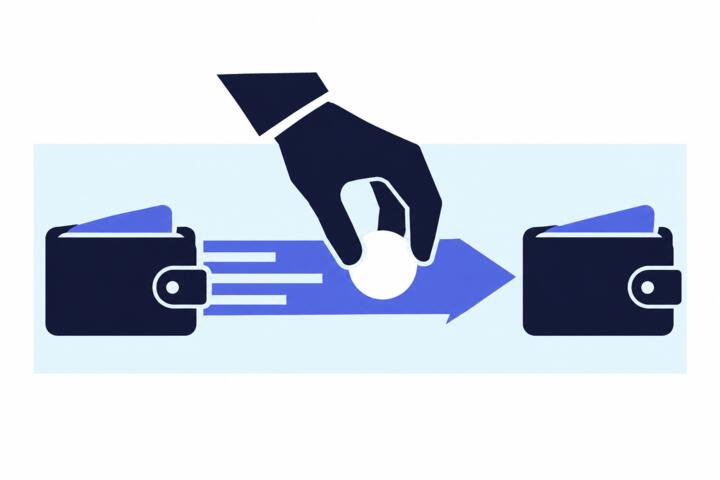
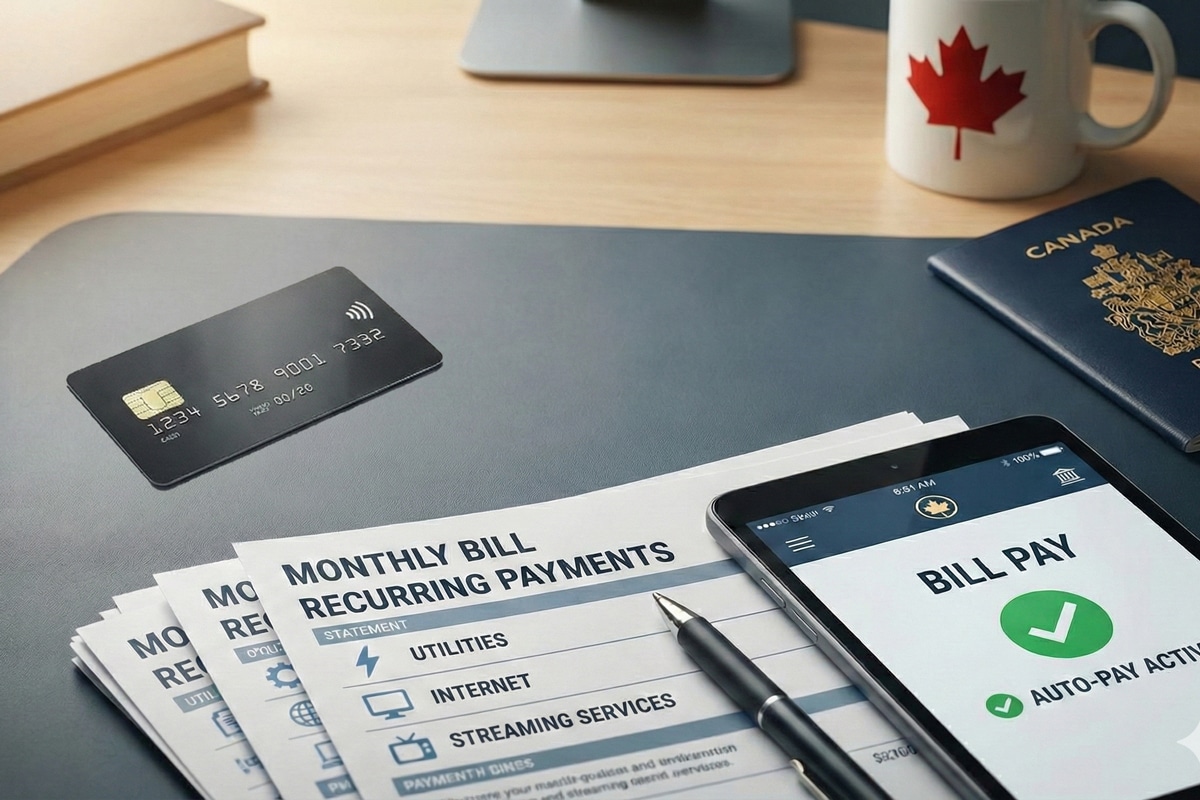
Paper checks still appear in mailboxes, but many billers now push payment through ACH debits, online bill pay, or card payments. The shift changes how money moves, when it posts, and how disputes get handled. A utility might stop accepting mailed checks, while a landlord may keep a lockbox for checks for a while longer. When a provider changes the payment method, your bank’s routing rules and the biller’s posting process become the real “system,” not the envelope.
In practice, the end of paper checks means fewer stamps and fewer trips to the bank, but it also means you may lose the visible paper trail you used to keep. With ACH, the transaction is electronic, and the paper check’s “signature and deposit slip” step disappears. That can reduce friction, yet it also removes a layer of human review that some people relied on when something looked wrong.
Main Pain Points To Watch
People often treat a payment method change as a cosmetic upgrade, then get surprised by timing and error handling. A paper check can take days to clear, and you can sometimes see it in your account as “pending” only after deposit. ACH debits can post on a specific settlement date, and the “effective date” may differ from when you authorized the debit. If you schedule payments around due dates, the difference between authorization time and posting time matters.
Another common misunderstanding involves reversals. With checks, you might stop payment or dispute a cleared item through your bank’s check process. With ACH, reversals depend on the transaction type and timing, and some errors require contacting the biller first. If you send an ACH payment to the wrong account number, the recovery path can be slower than people expect, because the payment may already be settled.
Supporting technologies drive these outcomes: ACH networks route transactions through standardized formats, banks apply risk controls, and billers post payments based on remittance data. Remittance data is the part that tells the biller which account to credit, and it can be missing or malformed when you enter details manually. I’ve seen this go wrong with a “quick pay” form where the account number field trims leading zeros; the biller then applies the payment to a different profile, which is a mess to unwind.
How To Switch Safely
Confirm The Payment Channel
Start by reading the biller’s instructions line by line, then match them to what your bank can do. If the biller requests ACH debit, look for an authorization form or a clear statement that the payment will be debited from your account. If the biller offers online bill pay, verify whether it sends an ACH payment or a card payment behind the scenes. Many portals show a payment method label, but the underlying rails can differ by provider.
When you switch, keep one “control” payment as a test. For example, pay one bill using the new method while still tracking the old method’s status. If the bill is due on the 15th, schedule the new payment at least 5–7 business days before the due date so you have time to correct a misapplied remittance. I tend to set a reminder for the day after the payment posts, because that’s when mismatches become visible.
Use Timing And Buffer Rules
Paper checks often cleared within a week, but ACH timing depends on settlement schedules and cutoffs. Treat due dates as “credit by” dates, not “payment sent” dates. If your bank’s bill pay sends ACH, it may require a lead time of several business days; some services show a “processing time” estimate. If you pay by card, posting can still lag, and refunds can take additional time.
Set a buffer for recurring bills. A practical rule is to schedule recurring payments 3–5 business days before the due date, then adjust after you observe how quickly that biller posts. If you’re using a bank’s bill pay feature, check the service’s cutoff time for same-day processing; a late submission can shift the payment to the next business day. On one account I managed in 2024, a “submitted by 6:00 PM” cutoff mattered more than the due date itself.
Protect Against Payment Scams
Payment scams often mimic legitimate “payment update” notices and try to redirect funds. Watch for messages that ask you to change bank details via email or a link, especially when the biller’s official portal is available. A real biller typically provides a secure method to update payment information, and it rarely requires you to send account numbers through unverified channels.
Use a verification step: log into the biller’s website by typing the address or using a saved bookmark, then confirm the payment instructions. If the notice includes a new payee name or a new routing/account number, compare it to the details shown in your account history. If the provider’s site shows the old details while the notice claims a change, treat the notice as suspicious.
Keep Records For Disputes
When you move away from checks, your evidence changes. Save confirmation numbers from online bill pay, screenshots of authorization pages, and bank statements showing the debit or payment. For ACH debits, keep the transaction date and the amount, then match them to the bill’s posting date. If something goes wrong, you’ll need those specifics to speed up resolution.
For disputes, start with the biller’s billing department if the issue is misapplied remittance or an incorrect amount. If the issue is unauthorized debit, contact your bank quickly and ask about the bank’s process for unauthorized ACH transactions. Banks often have time windows for reporting errors, and those windows can affect outcomes. I’ve seen people wait until the next statement cycle, then discover the bank’s investigation timeline is harder to meet.
Case Examples You Can Relate
Utility Switches To ACH Debit
A renter receives a notice that mailed checks will no longer be accepted after a certain date. The renter signs up for ACH debit through the utility’s online portal and schedules the first payment for the 10th, even though the bill due date is the 15th. The payment posts on the 13th, and the account shows the correct credit because the remittance data matched the account number. Two months later, the renter changes banks and updates the account details; the utility requires a new authorization, and the renter misses the cutoff for the next debit. The bill then arrives with a late fee, not because the ACH failed, but because the debit authorization didn’t take effect in time.
Landlord Uses Online Payments
A tenant pays rent by check for years, then the landlord switches to an online portal that charges a card or sends an ACH payment. The tenant chooses ACH but enters the bank account number without leading zeros, because the portal field trims them. The payment clears at the bank, yet the landlord’s system applies it to a different unit profile. The tenant notices the mismatch when the rent ledger shows a balance due. The tenant resolves it by providing the bank’s transaction confirmation and the exact amount, then the landlord reassigns the payment after verifying the remittance details.
Checklist For Choosing A Method
| Payment Method | Typical Timing | Error Recovery | Best For |
|---|---|---|---|
| ACH Debit | Posts on a settlement date; lead time matters | Often requires biller contact; timing affects reversals | Recurring bills with stable amounts |
| Bank Bill Pay (ACH) | Uses bank processing cutoffs and delivery windows | Disputes go through bank; remittance mapping matters | Bills you want to schedule from one place |
| Card Payment | Authorization and posting can differ | Disputes follow card network rules; refunds can lag | One-off payments and accounts that accept cards |
| Paper Check | Clearing depends on mail and deposit timing | Stop payment and check disputes depend on status | Situations where you need manual control |
Decision support checklist:
- Verify the biller’s accepted payment rails on the bill or in the biller’s portal.
- Schedule the first payment with a buffer of 3–7 business days before the due date.
- Confirm remittance fields (account number, leading zeros, unit identifiers) before submitting.
- Save confirmation details and match them to the bill’s posting.
- Set a reminder to review the account ledger after the payment posts.
Common Mistakes That Cost Time
One frequent mistake is assuming “sent on time” equals “credited on time.” ACH and card payments can post later than expected, and late fees can trigger even when the payment left your bank before the due date. Another mistake is updating payment details through an email link that looks official; scammers often mimic biller branding and route you to a fake form.
People also underestimate remittance data. A single digit error in an account number can send money to the wrong profile, and the biller may not detect it until posting. If you pay through a portal, double-check formatting rules like leading zeros and hyphens. I’ve also seen confusion when a biller changes from “check payable to” instructions to a different payee name for electronic payments; the bank shows the payment, but the biller’s ledger needs the correct account mapping.
Finally, some households remove old payment methods too quickly. If you cancel paper checks and then the new ACH authorization fails to activate, you may lose the fallback path. Keep the old method active until you see the first successful posting under the new method.
FAQ
Will My Bills Still Accept Checks?
Some billers stop accepting mailed checks, while others keep them for a transition period. Check the current bill instructions and the biller’s payment page, then confirm the accepted methods before you mail anything.
How Long Do ACH Payments Take?
ACH posting depends on settlement timing and the biller’s processing cutoffs. Many providers require several business days of lead time for scheduled payments, so plan around the due date rather than the authorization date.
What Happens If I Enter The Wrong Account Number?
The payment may clear at your bank but fail to credit your biller account. Recovery usually requires contacting the biller with transaction details, and the timeline can vary based on whether the payment was misapplied or settled to another profile.
Can I Stop An ACH Debit Like A Check?
ACH reversals and stop requests follow different rules than paper checks. Unauthorized or erroneous debits require prompt reporting to your bank and coordination with the biller, and timing can affect what options exist.
How Do I Spot A Fake Payment Update?
Verify changes by logging into the biller’s official portal using a saved bookmark or by typing the address. Treat messages that ask you to send bank details through email or a link as suspicious, especially when the portal shows different instructions.
Author's Insight
The move away from paper checks mostly changes the payment rails and the dispute workflow, not the underlying need to pay bills on time. ACH and card payments rely on standardized transaction formats and remittance data, so small input errors can create outsized billing problems. Households reduce risk by using lead time buffers, saving transaction confirmations, and verifying payment instructions through official portals. When a payment method changes, the first successful posting is the real milestone, not the moment you submit an authorization.
Key Takeaways
- Electronic payments shift timing and error handling, so schedule with business-day buffers and review posting dates.
- Remittance data accuracy (account numbers, leading zeros, unit identifiers) drives whether the biller credits your account.
- Scams often mimic payment updates; verify changes inside the biller’s official portal.
- Keep records of confirmations and transaction details so disputes move faster.